 SnapSong
The best way to make AI music natively on an iPhone depends on where your song starts. Broadly, AI song generators come in two kinds. Text-prompt tools (browser-based song generators, for the most part) ask you to describe the track in words: a genre, a theme, a mood, maybe a line for the chorus. Photo-first apps work the other way around: you pick a picture, and the image itself carries the context, so the AI reads what is in the frame and writes the song from that.
Prompts win when you already know exactly what you want. If you can say "an upbeat synth-pop song about Monday mornings" and mean it, a text-prompt generator gives you direct control over genre and topic, and you can rework the wording until the result lands. That control is the whole point of the format.
The photo wins when the song is about a moment rather than an idea. Personal memories, gifts, a birthday, a trip, your dog mid-run: most of what makes those moments matter is exactly what you would never think to type. The light, the faces, the place, the mood are already in the picture. A photo-first app hands all of that to the AI without asking you to translate it into words first.
So when people ask for the best AI song generator app for iPhone, the honest answer is a question back: are you writing a song about a topic, or about a moment you photographed? For topics, a prompt tool in the browser does the job. For moments, a native photo-first app is the better fit, and being native is not a small detail.
Why native matters on iPhone
An AI music app built natively for iOS plugs into the parts of the iPhone that make the whole flow effortless:
- Your photo library, right there. Pick any picture from your camera roll or shoot a new one on the spot. No uploading files to a website.
- Progress on the Lock Screen. Generation shows in real time on the Lock Screen and Dynamic Island through a Live Activity, so you can put the phone down instead of babysitting a browser tab.
- Songs saved on your device. Finished tracks and their photos are stored locally on your iPhone, and no account is needed.
- The iOS share sheet. Send a song to Messages, WhatsApp, AirDrop or any app you already use, straight from the app.
SnapSong is that native, photo-first app. Here is the full flow.
How to do it with SnapSong
-
Get the app
Download AI Music Maker: SnapSong from the App Store. It is free to download and try, requires iOS 18.0 or later, and runs on iPhone and iPad. No account needed.
-
Pick a photo
Take a new picture with the camera or choose one from your library. The image is the brief: the AI reads its colors, people, place and mood.
-
Guide it with keywords, if you want
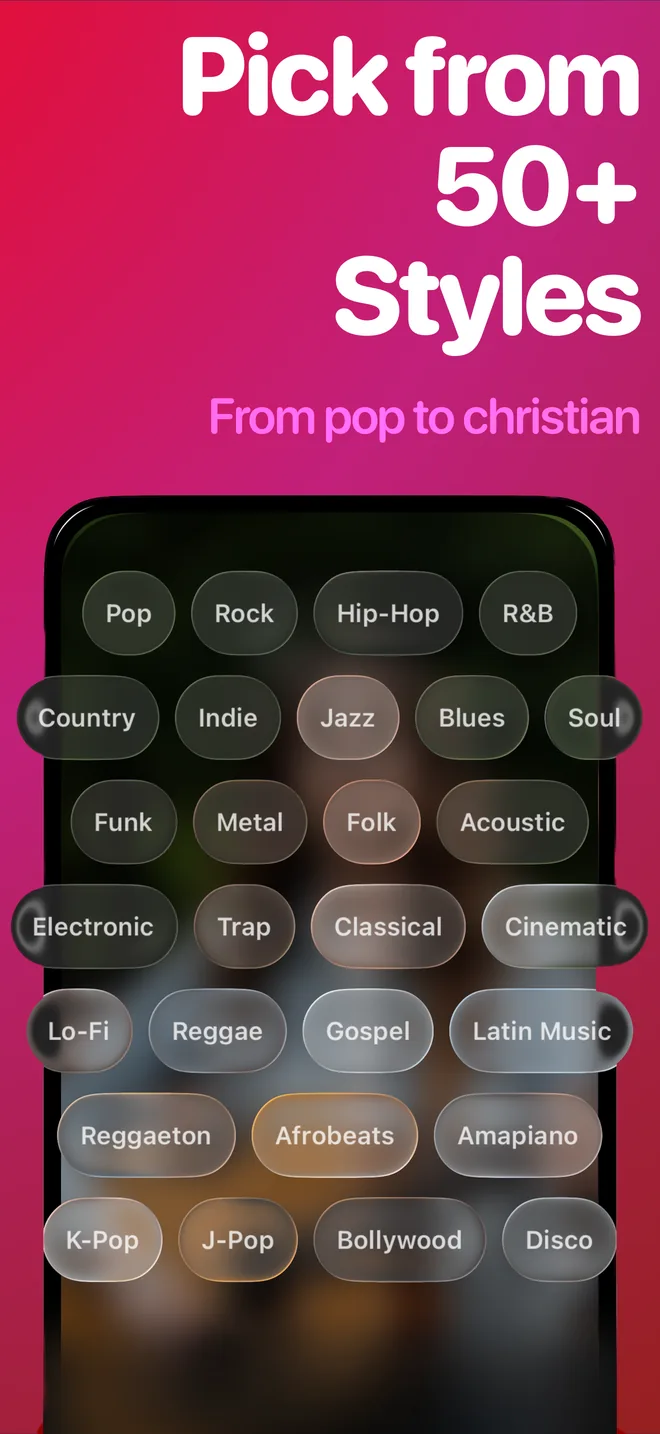
A name, a feeling, a memory or a music style. Keywords are optional; skip them and SnapSong interprets the photo on its own. There are more than 50 styles, including pop, rock, rap and acoustic.
-
Start the song
Generation takes about 2 to 5 minutes and needs an internet connection. Progress shows live on your Lock Screen and Dynamic Island, so you can switch apps freely.
-
Listen, save and share
Your song arrives with vocals, melody and full lyrics you can read. It stays saved on your device, ready to share anywhere through the iOS share sheet.
What to expect
Every song is generated fresh from your image, so results vary with the photo: expressive pictures with a clear subject give the AI more to work with than a flat, empty frame. Lyrics and vocals follow your device language automatically, in English, Portuguese, Spanish, French or German. SnapSong is free to download and try; SnapSong Pro, a subscription, unlocks more song creation, full song playback, downloads, faster generation and two AI versions per photo, and it auto-renews until cancelled in your App Store account settings. If you plan to use a song beyond personal listening, check the Terms of Use.
Your next song is already in your camera roll.

 AI Music Maker: SnapSong, free on the App Store