 SnapSong
To get an original sound for your Reels or TikTok, you do not need a distributor or a music license. You need an audio file that is yours, saved on your phone. When you add your own audio to a video in the TikTok or Reels editor, it goes up with the post as your sound, not as a licensed track picked from the platform's library. That is the whole trick: create the audio outside the app, then bring it in when you post.
Why bother? Because every trending sound is shared with thousands of creators posting the same audio on the same day. And licensed tracks come with strings attached: they can be unavailable for some account types or regions, and if the license changes later, your video can lose its music. Custom audio for Instagram or TikTok sidesteps all of that. A sound that did not exist before you made it cannot collide with anyone else's post.
The fastest way to get one is to generate it from the content itself. SnapSong creates an original song from a photo: it reads the colors, people, place and mood of the image and writes lyrics, melody and vocals to match. Take the best photo of the shoot or trip you are posting about, and the song will sound the way the video looks. Same light, same energy, same subject. An original sound for Reels made from your own photo is, by definition, one of a kind.
How to do it with SnapSong
- Open SnapSong and pick the strongest photo from the shoot or trip you are about to post. The song is built from that exact image, so choose the frame that best captures the vibe.
- Add optional keywords if you want the lyrics to name something specific: a place, a friend's name, a feeling, a style.
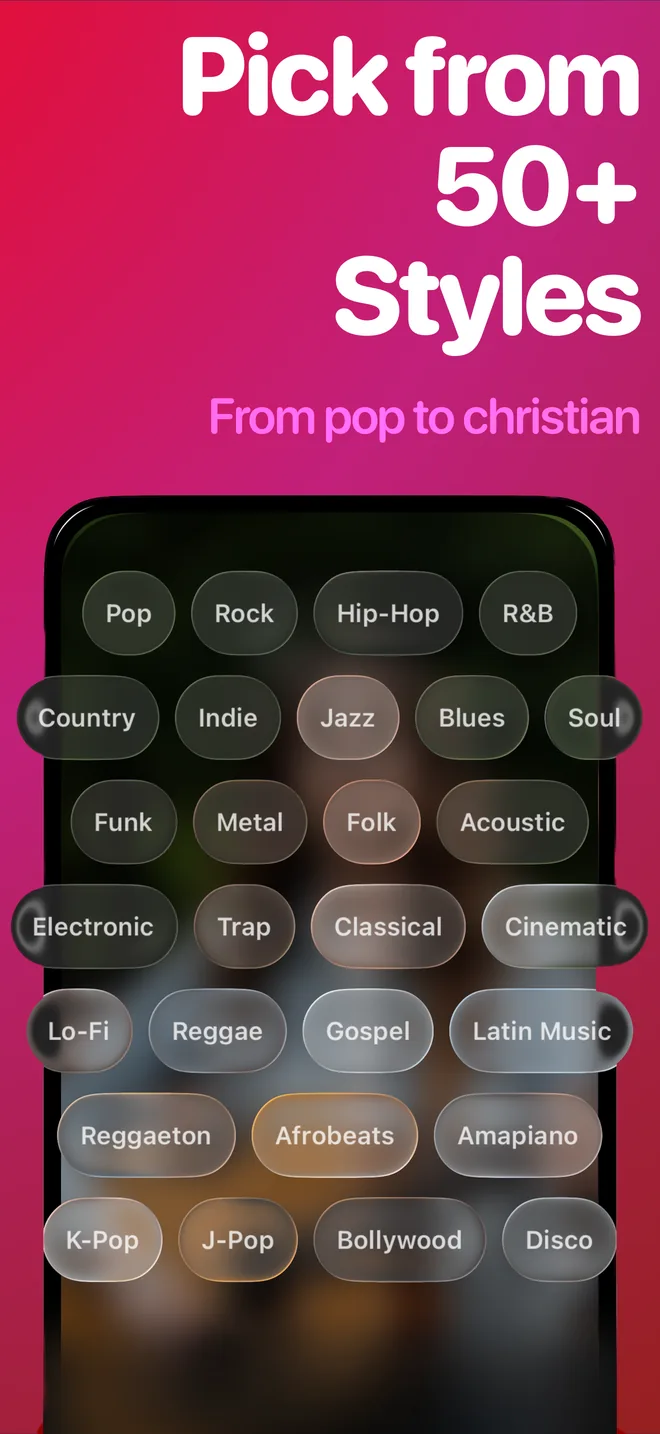
- Pick a music style that matches your edit. There are more than 50, from pop and rap to rock and acoustic, so a beach carousel and a gym clip do not have to sound the same.
- Wait 2 to 5 minutes. Generation progress shows in real time on the Lock Screen and Dynamic Island, so you can trim your clips while the song is being made.
- Save the audio to your device using the iOS share sheet. Full song playback and downloads are part of SnapSong Pro; the free version lets you create songs and hear what SnapSong makes of your photos first.
- In TikTok or the Reels editor, add the saved file as your video's sound, trim it to the strongest section, and post.
Tips for a sound that carries the video
Short clips are your friend. A 15 or 20 second Reel does not need the whole song; it needs the strongest section of it. Listen once before you edit, find the hook or the line that names your subject, and trim the audio to start right there.
Generate before you edit, not after. Song generation needs an internet connection and takes a few minutes, so start it first and cut your video while you wait. And if the first result does not fit the footage, try a different style or sharper keywords: results vary with the photo, and a clear subject with a strong mood gives the AI more to work with.
Who owns the sound you post?
Songs are generated for you, from your photo, and they are stored locally on your device. For personal posts, that is exactly what you want: a sound tied to your own image and your own moment. If you plan to use a generated song commercially, in an ad, for a client or in monetized brand content, check the Terms of Use first. TikTok and Instagram also have their own rules for music in commercial content, so review those too before a paid campaign.
SnapSong is free to download and try, and it works on any photo already in your camera roll. Your next post's sound is probably sitting there right now.

 AI Music Maker: SnapSong, free on the App Store